Watch Kickwithout the ads.
CleanWatch removes the ads that play inside Kick's video player. The stream keeps running while it happens, so there is no black screen and nothing to wait through.
Free. Works on live streams and past broadcasts. No account.
What changes
- No ads before a past broadcast starts playing.
- No ad breaks interrupting a live stream.
- The picture keeps moving while an ad is skipped, so you never sit on a frozen frame.
- Video quality stays exactly where you set it.
- Nothing to set up. Install it and open a stream.
What happens at an ad break
Kick builds the ads into the stream itself, so they arrive as part of the video.
CleanWatch takes those seconds out before the player ever sees them, and the picture carries on.
How it works
- 1
Add it to Chrome
One click from the Chrome Web Store. It asks for access to kick.com and nothing else.
- 2
Open a Kick stream
Live or past broadcast, both work. Reload the tab if you already had one open.
- 3
Forget about it
There is no setup screen and no account. The icon shows a counter if you want to check on it.
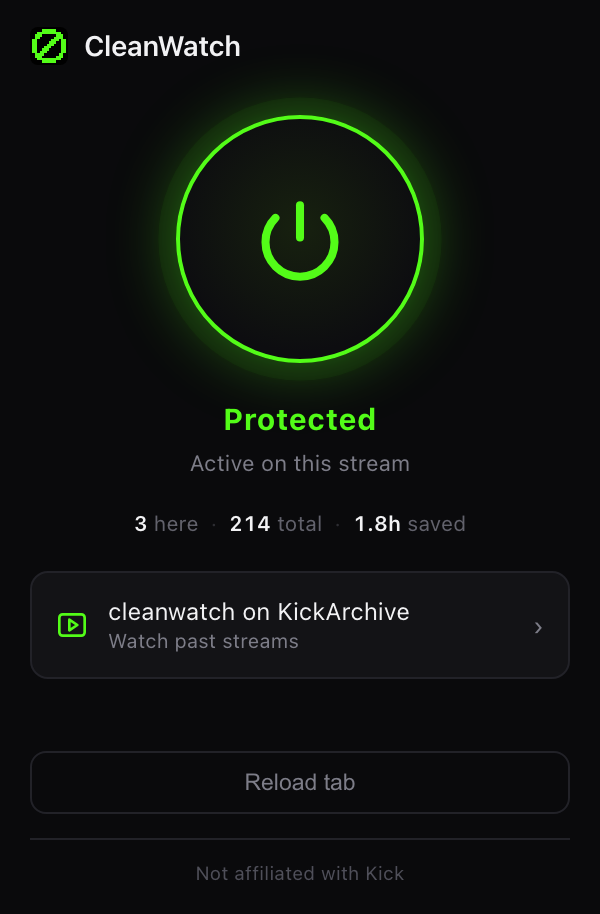
Just the stream.
Questions
Is it free? +
Yes, and there is no paid tier planned.
Does it work on live streams and past broadcasts? +
Both. Live streams and past broadcasts use different ad systems, and CleanWatch handles each of them.
Do I need an account? +
No. There is no sign up, no login and no profile.
Does it collect anything about me? +
No. There is no analytics and no tracking. Your settings and counters stay in your own browser and go away when you remove the extension.
Will it slow my browser down? +
It only runs on kick.com and does nothing on any other site.
Can I keep using uBlock Origin or AdGuard? +
Yes. Those handle banners and trackers across the web, which CleanWatch leaves alone. They do not conflict.
Which browsers work? +
Chrome 111 and newer, plus browsers built on it such as Brave, Edge, Opera and Vivaldi. Firefox is not supported.
How do I turn it off? +
Click the CleanWatch icon and press the power button. Removing it entirely takes two clicks from the Chrome extensions menu.